
Checked against Apple’s Notes guide for macOS 27 on 21 October 2026. Some features depend on your Mac, language, device, and Notes account.
Notes can do more than hold typed text. These three small workflows help you capture a meeting, pull paper into a project, and solve a quick calculation without changing apps. Our Notes organization guide covers folders and Markdown; this guide focuses on capture and review.
1. Record an explanation and keep its transcript
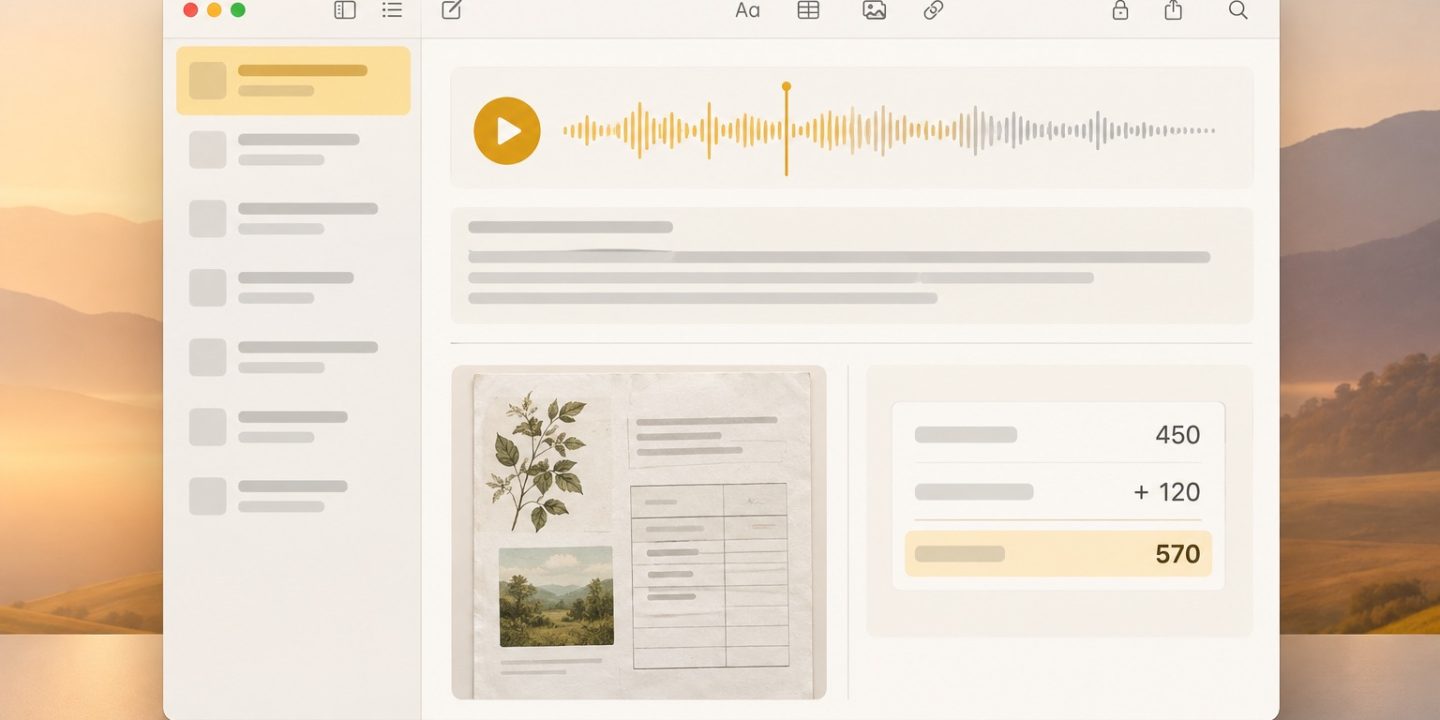
Open a note, click the Attachment button in the toolbar, choose Record Audio, then click Record. When you finish, click Pause and Done. Open the recording and choose the Transcription button to review the text, if transcription is available for your setup. Add a short written summary with the decision and next action. A transcript is a search aid, not a perfect record: check names, numbers, and commitments against the audio before sharing them.
For a meeting, ask the participants before recording. Apple currently requires an M1 or later Mac and a supported device language for transcription; Romanian is not on its published language list. Recording can still be useful without a transcript. Some Notes features also require iCloud Notes rather than another account provider.
2. Scan a document from your iPhone directly into a Mac note
- Open the destination note on your Mac.
- Choose File > Insert from iPhone or iPad > Scan Documents.
- Scan the pages on your nearby device, check the crop and page order, then save. The scan appears in your Mac note.
This is useful for receipts, handwritten sketches, or a short paper brief. Give the note a descriptive title and add one sentence explaining why the scan matters; that makes it easier to find later.
3. Use Math Notes for a quick check
Type a simple expression followed by an equals sign, such as (27/3)^2=. By default, Notes suggests an answer; press Return to insert it. This works well for a quick estimate or running total inside project notes. Math Results requires upgraded iCloud Notes or notes stored on your Mac. Write the assumptions next to the calculation so a future reader can understand it. For money or other consequential figures, verify the result separately.
A reusable project note
Keep one note per meeting or source document, with the date, a two-line summary, the recording or scan, and a short action list. Move dated tasks with deadlines into Reminders. This keeps Notes useful as context without turning it into a crowded task manager.
Sources: Apple: record and transcribe audio, Apple: add photos, PDFs, and scans, and Apple: solve math in Notes.