
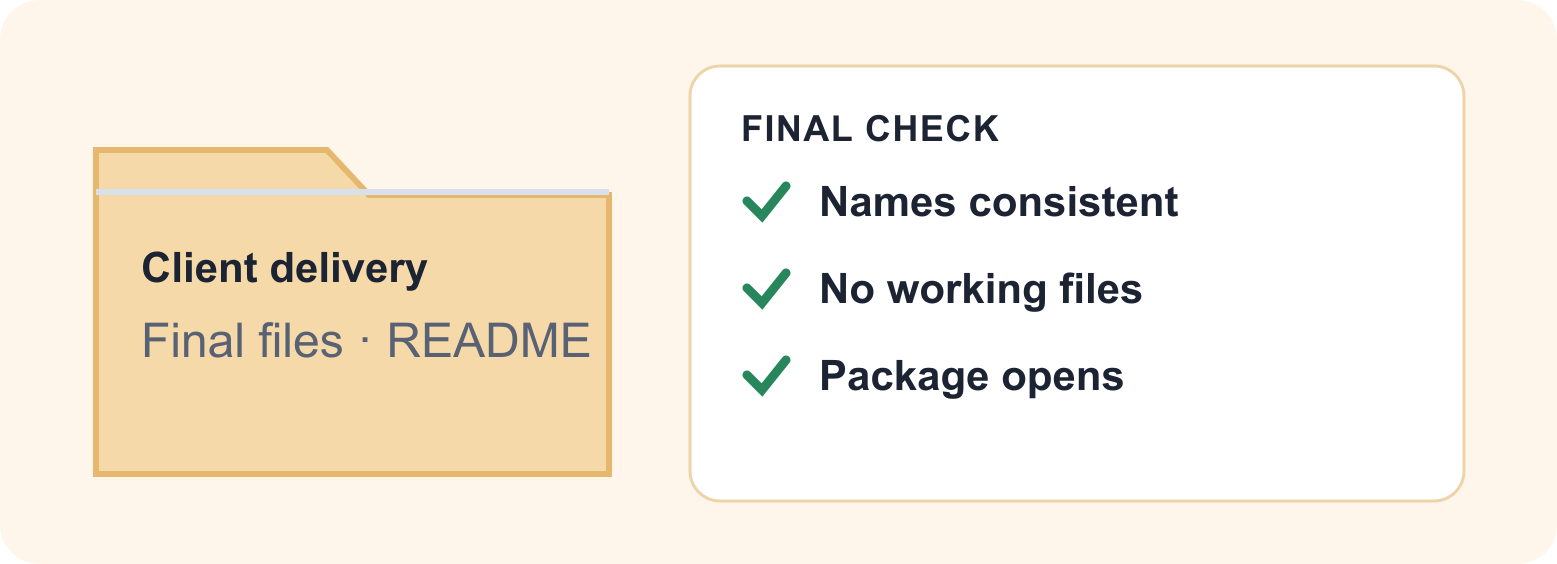
A client should be able to open your delivery folder and know what to review. That takes more than uploading the latest exports. Gather the approved files, give them consistent names and check the package from the recipient’s point of view. Keep this delivery separate from your working project.
Create a fresh delivery copy
Make a folder such as North-Studio-Delivery-2026-10-05. Copy the approved exports into it. Leave working documents, temporary renders and internal notes outside the package unless the agreement calls for them. Work on these copies so renamed files do not break links in the live project.
Group files by purpose if that makes the handoff easier: Review, Final and Reference are useful only when each label means something specific. Avoid a folder called Final containing several competing “final” revisions.
Pick a simple naming rule
A useful example for a sequence of review images is North-Studio-Review-001.jpg, North-Studio-Review-002.jpg and so on. Keep the actual extension. Use a project label, a purpose and a stable number rather than a long sentence. Add a date when deliveries repeat, using the same format throughout.
Do not force every file into an anonymous sequence. A document named Read-me.pdf or Floor-plan-Level-2.pdf may be more useful than Item-017.pdf. The rule should preserve the clues the recipient needs.
Rename a larger batch consistently
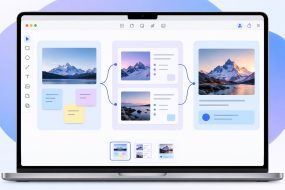
Use Multi Rename Tool to give the approved batch a consistent project label, preserve useful descriptions and add a counter. The Old Name / New Name preview lets you review the delivery names together before applying the change. Finder handles a basic rename; the combined controls and batch preview are the benefit here.
Drag delivery copies into the app and build the rule around the original name, a project label and a padded counter. Keep the original extensions, inspect the preview and check the order of the assigned numbers. Our step-by-step Multi Rename Tool guide shows a concrete naming setup. A date option should not be assumed to read a camera’s capture date; verify its date source first.
Check that each name remains unique, numbering follows the intended review order and extensions still match the file types. Renaming .jpg to .png does not convert an image. Avoid running a broad character replacement over the entire name when you only intend to change the project label.
Add a useful read-me
Include a short note stating what is included, which version to review, anything deliberately omitted and how to send feedback. If a client needs a specific app or linked assets, explain that before delivery. Do not include credentials in the package.
Open the package as the client would
If you make a ZIP, extract a separate test copy and open representative files from that copy. Check one image, one document and any media or linked project files. Confirm the package contains the intended filenames and no internal material.
Send one clearly labeled delivery link rather than a trail of revised attachments. Keep the checked package unchanged as your delivery record. Make the next revision a new dated delivery instead of silently replacing the old one.
Next: ZIP a folder on Mac. Reference: Multi Rename Tool features.
Vendor material reviewed October 6, 2026. The delivery example is illustrative. About Mac Tips and our Devstorm connection.