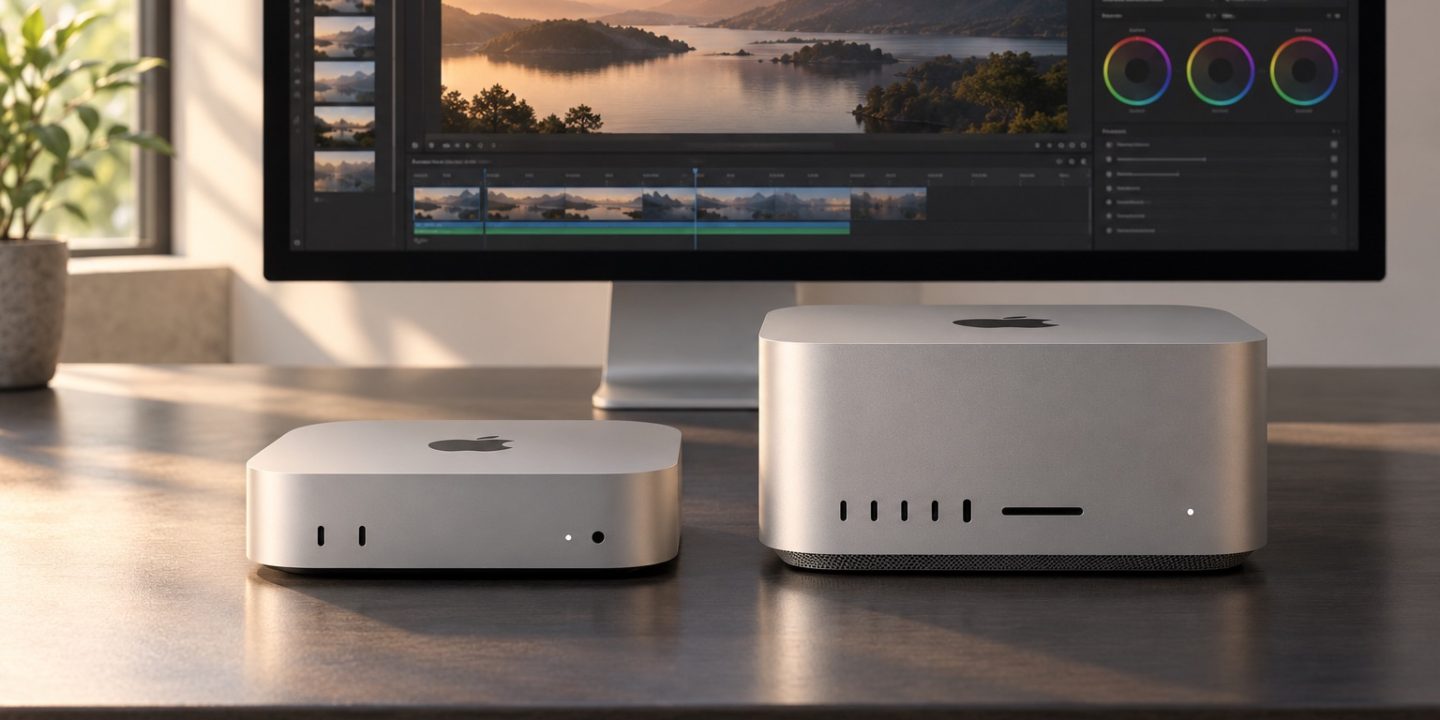
Hardware details checked on 21 October 2026 against Apple’s Mac mini and Mac Studio announcements. Configurations and availability can vary by region.
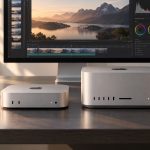
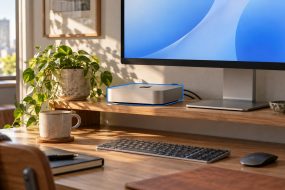
The 2026 Mac mini and Mac Studio are both small desktop Macs, but they solve different problems. The useful question is not which chip sounds bigger. It is which tasks hit your current machine’s limits, and whether those limits are memory, sustained processing, ports, or storage.
Choose the Mac mini M6 for everyday and mixed work
The M6 Mac mini starts with 16 GB of unified memory and can be configured up to 32 GB. It makes sense for browser-heavy work, writing, development, photo organization, and occasional creative projects when your app and monitor needs fit its connections. Choose storage for your active projects, then plan where archives will live. A well-chosen external drive can be more useful than paying for capacity you do not need every day.
Step up to Mac mini M5 Pro when memory or sustained work demands it
The M5 Pro Mac mini can be configured with more memory, up to 64 GB. Consider it when you routinely keep large development environments, many creative apps, or heavier media work open together. Check the actual requirements of your software first. Buying the Pro model for a task that spends most of its time waiting on a slow external drive may not solve the bottleneck.
Choose Mac Studio for demanding production
Mac Studio now comes with M5 Max or M5 Ultra. Apple lists substantially higher memory ceilings: up to 128 GB for M5 Max and 512 GB for M5 Ultra. Those options matter for large video timelines, complex 3D scenes, local models, or other workloads whose data must stay in memory. They are hard to justify for basic office use.
A ten-minute buying check
- Open Activity Monitor on your current Mac during a real work session. Note memory pressure and the apps using the most resources.
- List every monitor, external drive, network connection, and accessory you use at the same time.
- Check the recommended specs for your three most demanding apps and compare the configuration you would actually buy, not only the base model.
- Budget for display, keyboard, storage, backup, and adapters if this will be your first desktop Mac.
If your current Mac is merely cluttered, first try our slow Mac diagnosis guide. A clean measure of the bottleneck makes the purchase decision much easier.