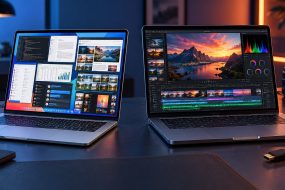
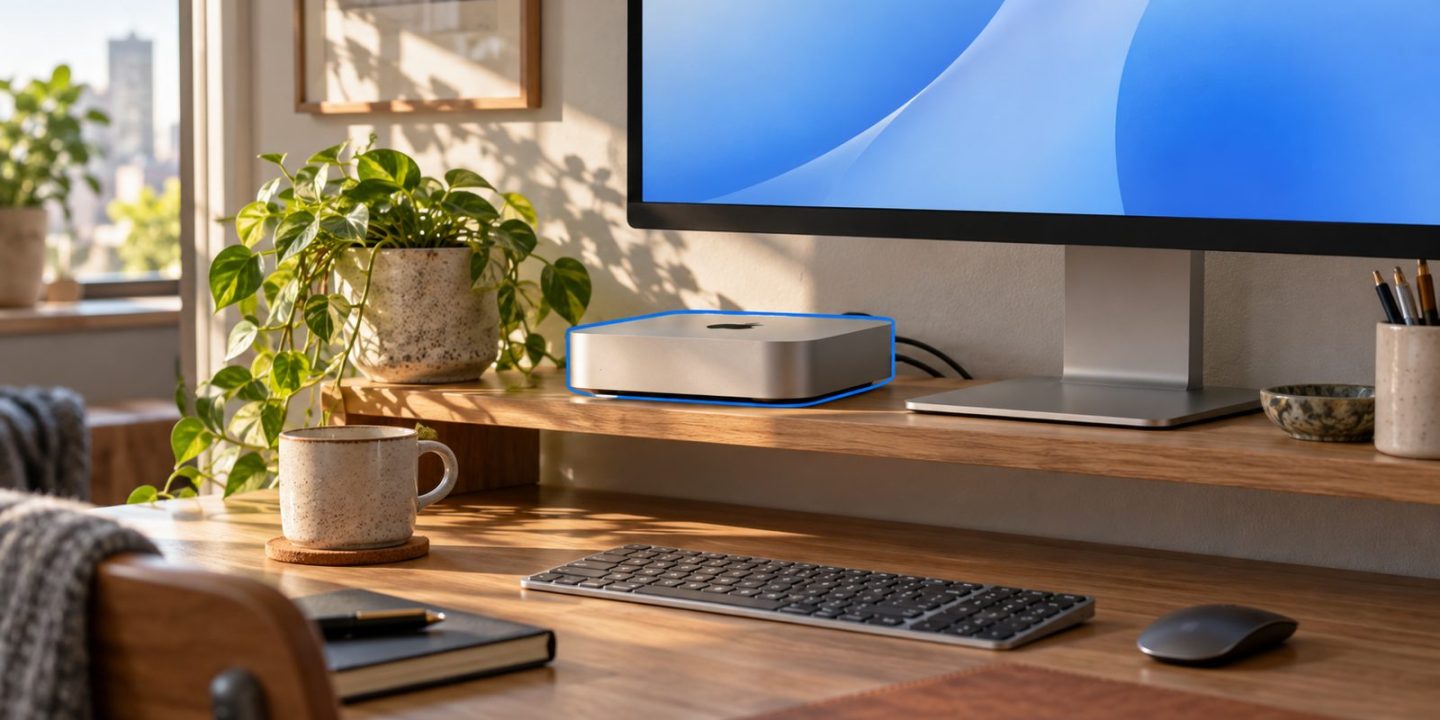
Compare a usable workspace with a usable workspace
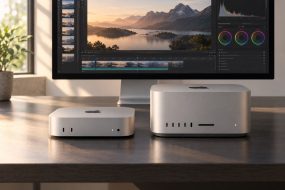
A Mac mini can be a sensible choice when your work stays at one desk, especially if you already own a suitable monitor and input devices. A MacBook is easier to evaluate when moving between rooms, offices or classes is part of your normal week.
The mistake is comparing only the computers’ headline prices. A useful comparison includes everything needed to work, join calls and keep your files protected.
Apple’s current Mac mini page lists M6 and M5 Pro configurations. That does not mean a newer chip name answers the desktop-versus-laptop question. Begin with where you work and the equipment you already have, then compare configurations suitable for your apps.
Build a complete shopping list
| Cost to include | Mac mini setup | MacBook setup |
|---|---|---|
| Computer | Configuration that meets your app requirements | Configuration that meets your app requirements |
| Main screen | Existing suitable monitor or new monitor | Built-in screen; external monitor if you need one |
| Input | Keyboard and mouse or trackpad | Built-in keyboard and trackpad; desk accessories if needed |
| Calls | Check webcam, microphone and audio requirements | Check whether built-in equipment meets your requirements |
| Connections | Correct monitor and accessory cables | Correct monitor cables, adapters or dock |
| File protection | Backup destination and a regular backup routine | Backup destination and a regular backup routine |
Put actual local prices beside the items you do not already own. Include delivery and any configuration changes. Avoid adding accessories merely because they appear in an attractive setup photograph.
Reuse equipment after checking compatibility
Before counting an existing monitor as a saving, check its input connections, resolution and refresh rate against the exact Mac’s support. Check your keyboard and mouse connection too. The presence of a connector with the right shape does not establish that every function you need is supported.
For video meetings, decide how you will handle the camera, microphone and sound. A computer purchase should not leave you discovering missing call equipment on your first working morning.
Portability is a requirement, not an accessory
Ask whether you need the same working computer somewhere without your desk equipment. Occasional travel may still make a laptop the simpler overall purchase, even when a desktop looks cheaper on the first invoice.
Conversely, buying a portable machine that permanently sits closed at a desk may spend part of your budget on capabilities you rarely use. A mini deserves consideration if the complete setup fits your budget and a fixed workspace suits your life.
Set up a repeatable project routine
Once the hardware decision is made, keep working files, deliveries and backups distinct. If you regularly copy project folders to an external drive, our existing DCommander guide explains a more deliberate two-panel workflow. A folder-comparison tool such as DSync can help review differences before a transfer; neither recommendation replaces a backup plan.
Choose the setup that serves your actual week. A desktop saving disappears if you must soon buy a second computer to work away from it.
Sources: Apple: Mac mini specifications; Devstorm: DCommander operations; Devstorm: DSync documentation.