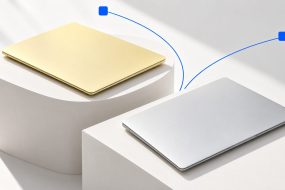
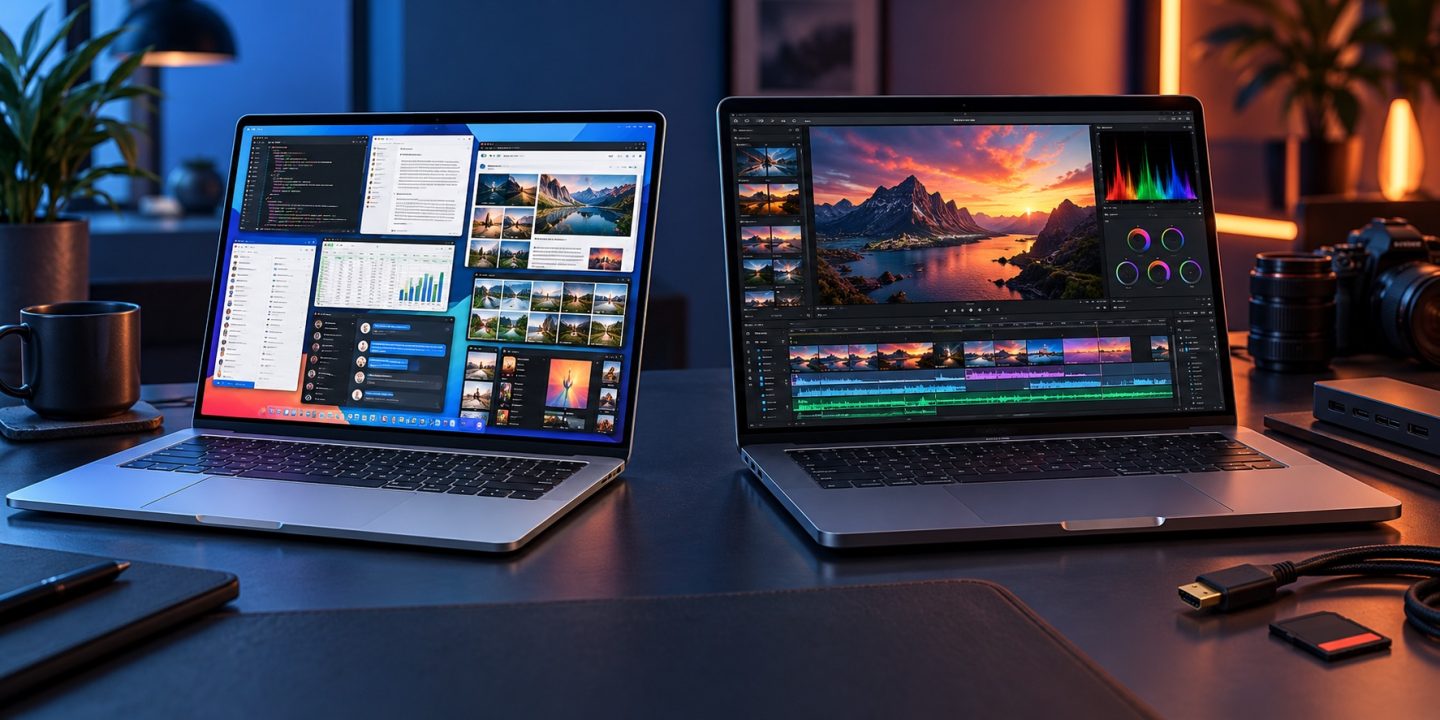
Short answer: Choose the 13-inch MacBook Air M5 with 32GB if your work regularly needs more memory and you value a lighter, silent laptop. Choose the 14-inch MacBook Pro M5 with 24GB if its XDR display, extra ports, and room for sustained work solve problems you face every week. The word “Pro” alone does not make 24GB better than 32GB.
These are real configurations, not a made-up comparison. Apple’s 13-inch Air M5 specifications list 32GB as an option, and its 14-inch Pro M5 specifications list 24GB. This guide compares the base M5 chip in both machines. A MacBook Pro with an M5 Pro chip is a different, more capable configuration and needs a separate price and workload comparison.
What changes when you spend the money differently?
| What you get | 13-inch Air M5, 32GB | 14-inch Pro M5, 24GB |
|---|---|---|
| Chip in this comparison | M5, configured with 10-core GPU | M5, 10-core GPU |
| Unified memory | 32GB | 24GB |
| Display | 13.6-inch Liquid Retina, 500 nits | 14.2-inch Liquid Retina XDR, ProMotion up to 120Hz |
| Connections | Two Thunderbolt 4 ports, MagSafe | Three Thunderbolt 4 ports, HDMI, SDXC, MagSafe |
| Weight | 1.23 kg | 1.55 kg |
| Apple’s wireless web estimate | Up to 15 hours | Up to 16 hours |
Specifications are from Apple’s linked model pages. The Air also comes with an 8-core GPU, so select the 10-core GPU version if you want to compare the same GPU configuration. Battery estimates are Apple’s test results, not a promise for your workload.
When the extra 8GB is the useful upgrade
Memory helps when several demanding tasks must stay open together: a large photo catalog, a development environment with containers, a virtual machine, many browser tabs, and creative apps sharing the same unified memory. If 24GB is enough for your actual projects, moving to 32GB will not make ordinary browsing or writing feel eight gigabytes faster. If 24GB is a real ceiling, a nicer display cannot give an app the memory it needs.
There is a simple way to check your current Mac before buying. Open Activity Monitor > Memory, then do a normal heavy work session. Watch the Memory Pressure graph, not just the “Memory Used” number. Apple says green means memory is being used efficiently; sustained yellow or red pressure is a reason to investigate. Also note which apps are open and whether Swap Used keeps climbing. One brief spike is not enough to decide a purchase. Apple’s Memory Pressure guide explains the colors.
When the Pro’s hardware earns its place
The Pro’s display is a meaningful upgrade if you review HDR footage, work with bright highlights, or simply care about smoother scrolling. Its built-in HDMI and SDXC connections are useful if you attach a projector or import camera cards often. A third Thunderbolt port can remove a small daily annoyance. If those things do not describe your day, they may be expensive features you rarely touch.
The Air is fanless, which Apple describes as completely silent. That also means it has less cooling capacity for long, intensive tasks than a laptop with active cooling. The Pro may hold performance better during repeated long exports or compiles, but the size of any advantage depends on the job and conditions. We have not run matching benchmarks on these two configurations, so do not buy the Pro expecting a specific percentage gain. For short tasks, the two base M5 chips have the same 10-core CPU and 153GB/s memory bandwidth on Apple’s spec sheets.
Three buying situations
- Developer who runs containers and a VM while keeping everything open: lean toward the Air with 32GB if memory pressure is the recurring limit. If sustained builds are the bigger delay, compare the Pro with your actual toolchain.
- Photographer who imports cards and works on HDR output: the Pro with 24GB has a stronger case. Its XDR screen and SDXC slot help on every job, provided 24GB is enough for the catalog and edits.
- Student, writer, or office user with occasional editing: neither 32GB nor the Pro chassis is automatically necessary. Compare an Air with 16GB or 24GB too, then spend only on the benefit you can name.
My decision rule
If your current Mac shows repeated memory pressure during work you cannot simplify, buy the Air M5 with 32GB over the base Pro M5 with 24GB unless the Pro’s screen or ports are essential. If memory pressure stays green and you repeatedly need HDR, 120Hz, HDMI, SD cards, or long heavy sessions, the Pro M5 with 24GB is the more useful purchase. If both sets of needs are real, price a Pro with 32GB rather than pretending one tradeoff disappears.
Configure both with the same SSD capacity and compare your local checkout prices. Storage and memory are separate choices. Apple lists 512GB as the Air’s starting SSD and 512GB or 1TB configurations for the base Pro M5, so mismatched default listings can distort a quick price comparison. The larger 15-inch Air changes the screen-size discussion; this article deliberately compares the portable 13-inch Air with the 14-inch Pro.
For the wider Air-versus-Pro decision, read our general buying guide. If you are upgrading because an older Mac feels slow, first check what is actually slowing it down.
Sources: Apple: MacBook Air (13-inch, M5) tech specs; Apple: MacBook Pro (14-inch, M5) tech specs; Apple: Check if your Mac needs more RAM; Apple: Air M5 fanless design. Checked October 15, 2026.